
20 Home Office Design Ideas for Better Productivity in 2026
Remote and hybrid work continue to shape how people live and work. A thoughtfully designed home office can improve focus, reduce distractions, and support long-term comfort. Whether you have a dedicated room or a small corner to work from, the right design choices can make a significant difference.
Below are 20 practical home office design ideas to help you create a workspace that is both functional and inspiring.
Why Home Office Design Matters
A productive workspace supports concentration, organization, and comfort. Factors such as lighting, ergonomics, storage, and color can influence how efficiently you work throughout the day.
Investing in your home office isn’t just about aesthetics—it can also enhance your daily workflow and make working from home more enjoyable.
Home Office Design Ideas: #01-05
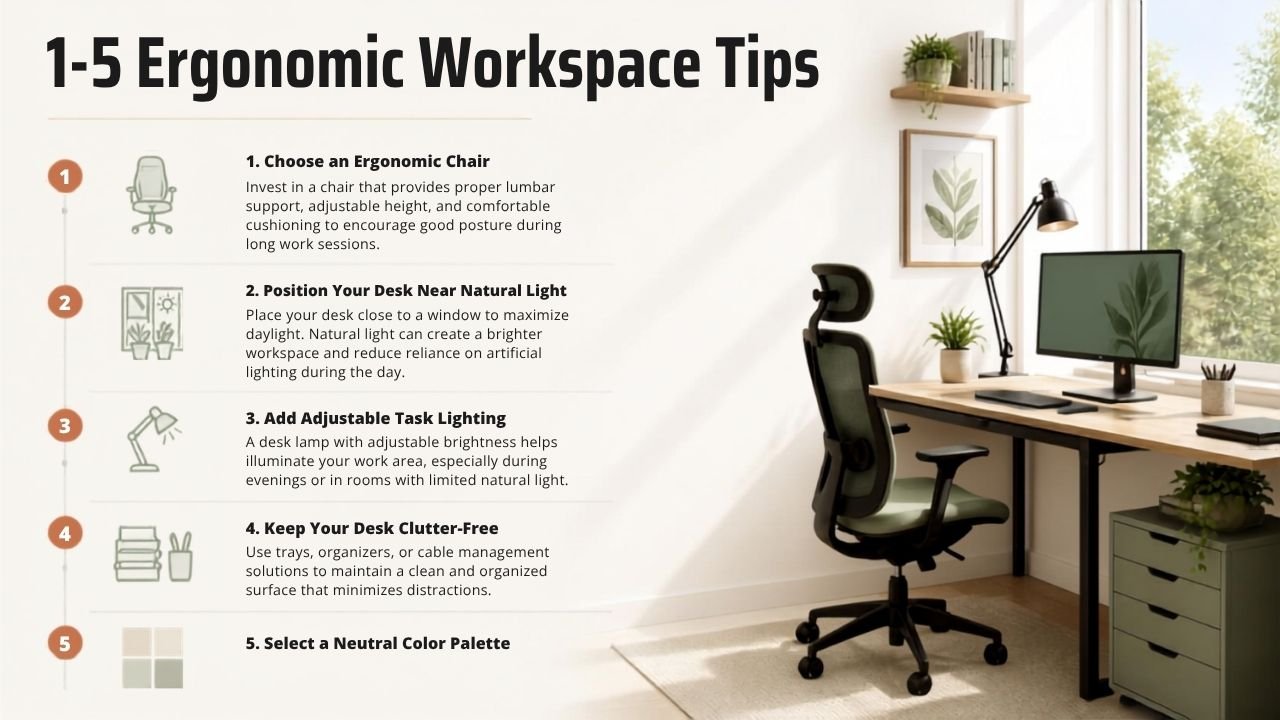
1. Choose an Ergonomic Chair
Invest in a chair that provides proper lumbar support, adjustable height, and comfortable cushioning to encourage good posture during long work sessions.
2. Position Your Desk Near Natural Light
Place your desk close to a window to maximize daylight. Natural light can create a brighter workspace and reduce reliance on artificial lighting during the day.
3. Add Adjustable Task Lighting
A desk lamp with adjustable brightness helps illuminate your work area, especially during evenings or in rooms with limited natural light.
4. Keep Your Desk Clutter-Free
Use trays, organizers, or cable management solutions to maintain a clean and organized surface that minimizes distractions.
5. Select a Neutral Color Palette
Soft whites, warm grays, beige, and muted greens create a calm atmosphere that complements a variety of interior styles.
Home Office Design Ideas: #06-10
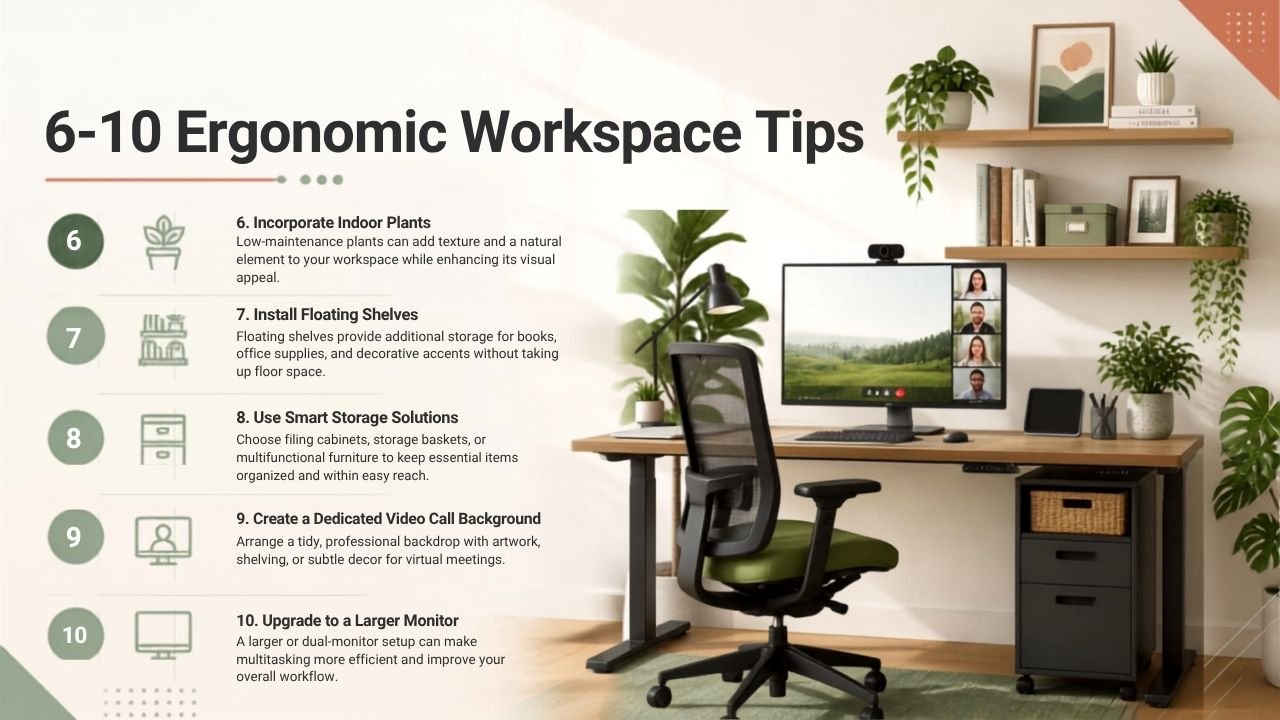
6. Incorporate Indoor Plants
Low-maintenance plants can add texture and a natural element to your workspace while enhancing its visual appeal.
7. Install Floating Shelves
Floating shelves provide additional storage for books, office supplies, and decorative accents without taking up floor space.
8. Use Smart Storage Solutions
Choose filing cabinets, storage baskets, or multifunctional furniture to keep essential items organized and within easy reach.
9. Create a Dedicated Video Call Background
Arrange a tidy, professional backdrop with artwork, shelving, or subtle décor for virtual meetings.
10. Upgrade to a Larger Monitor
A larger or dual-monitor setup can make multitasking more efficient and improve your overall workflow.
Home Office Design Ideas: #11-15
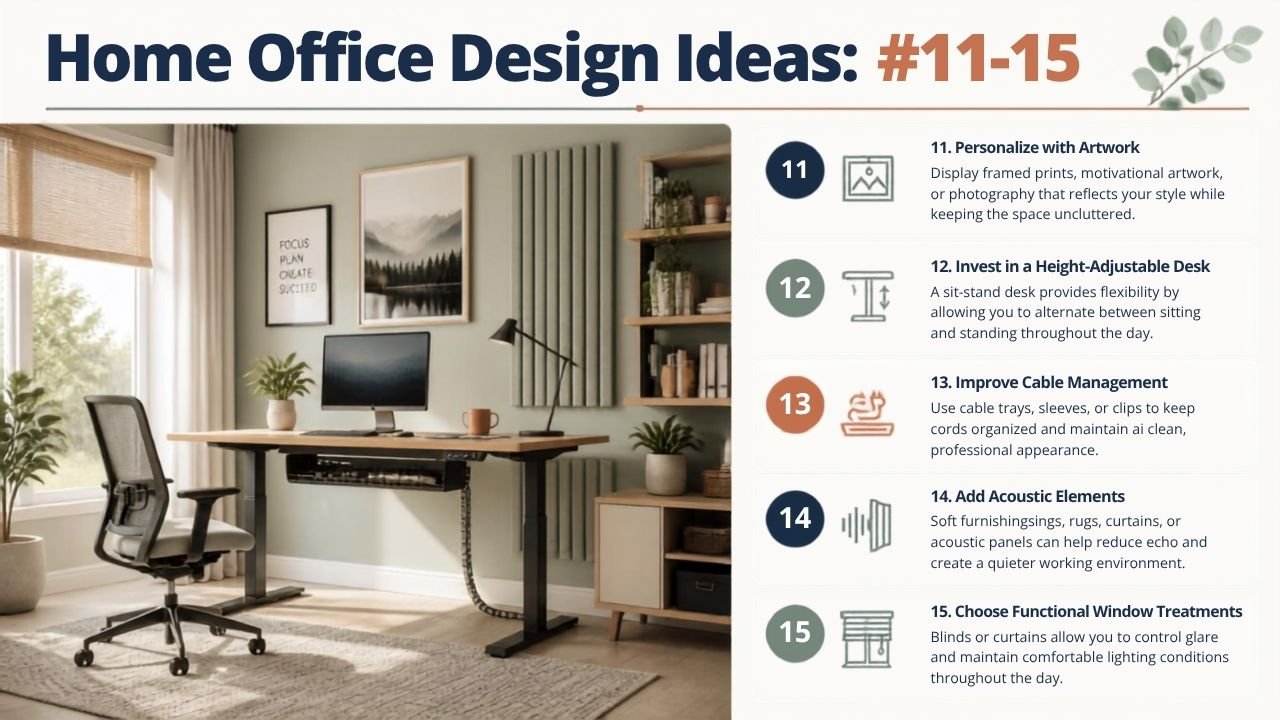
11. Personalize with Artwork
Display framed prints, motivational artwork, or photography that reflects your style while keeping the space uncluttered.
12. Invest in a Height-Adjustable Desk
A sit-stand desk provides flexibility by allowing you to alternate between sitting and standing throughout the day.
13. Improve Cable Management
Use cable trays, sleeves, or clips to keep cords organized and maintain a clean, professional appearance.
14. Add Acoustic Elements
Soft furnishings, rugs, curtains, or acoustic panels can help reduce echo and create a quieter working environment.
15. Choose Functional Window Treatments
Blinds or curtains allow you to control glare and maintain comfortable lighting conditions throughout the day.
Home Office Design Ideas: #16-20
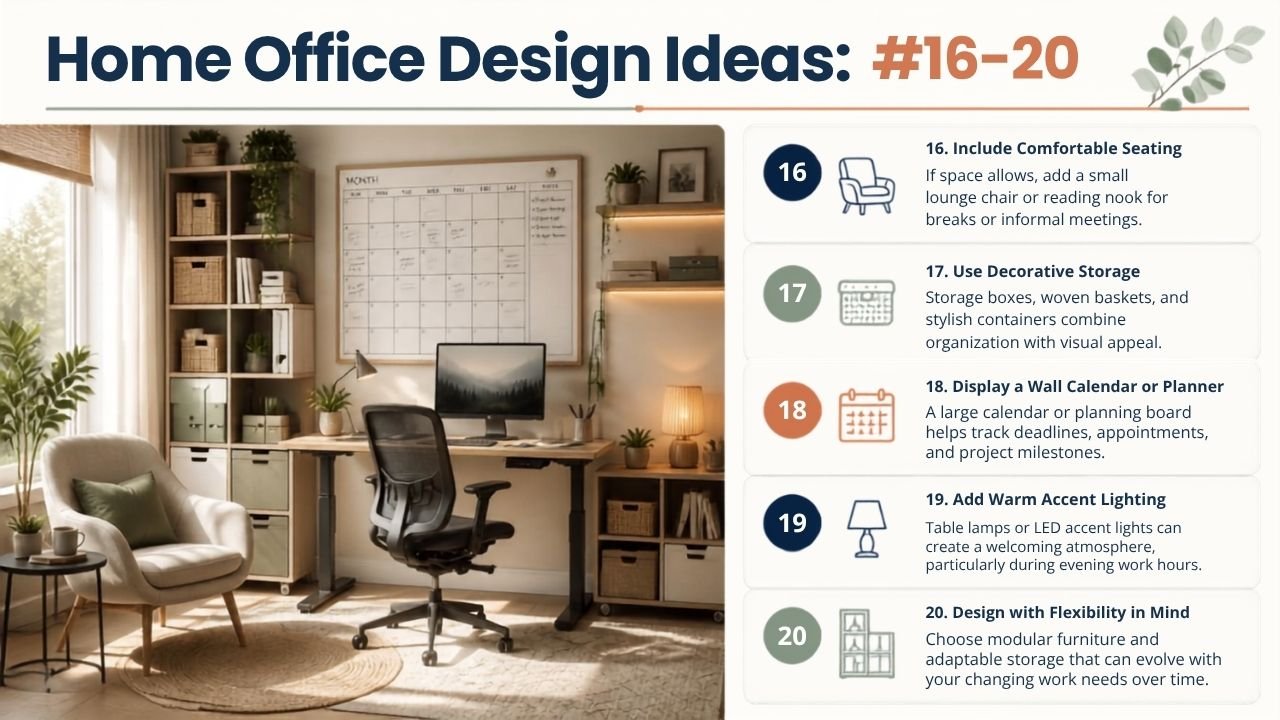
16. Include Comfortable Seating
If space allows, add a small lounge chair or reading nook for breaks or informal meetings.
17. Use Decorative Storage
Storage boxes, woven baskets, and stylish containers combine organization with visual appeal.
18. Display a Wall Calendar or Planner
A large calendar or planning board helps track deadlines, appointments, and project milestones.
19. Add Warm Accent Lighting
Table lamps or LED accent lights can create a welcoming atmosphere, particularly during evening work hours.
20. Design with Flexibility in Mind
Choose modular furniture and adaptable storage that can evolve with your changing work needs over time.
Common Home Office Design Mistakes
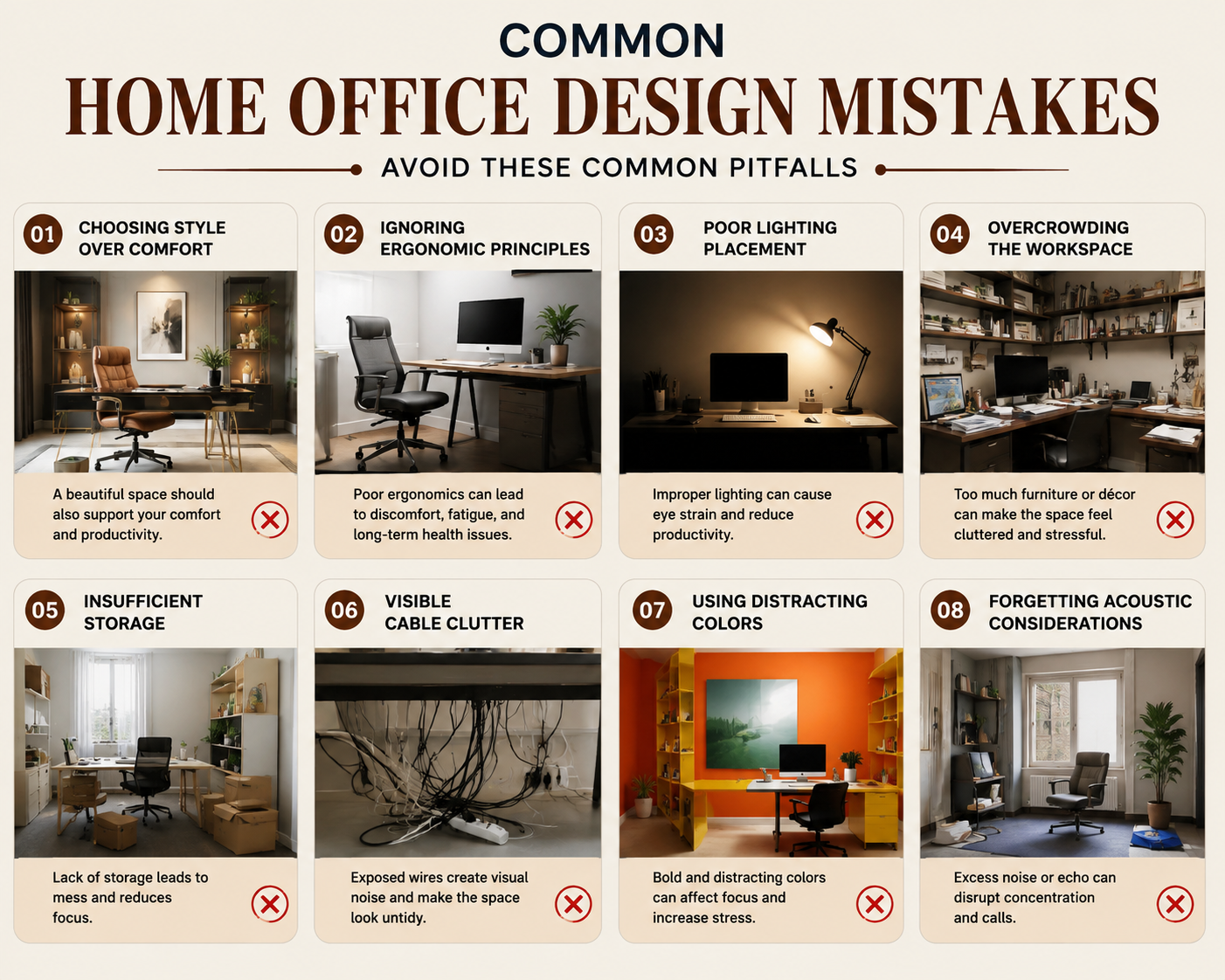
Avoid these common pitfalls:
- Choosing style over comfort
- Ignoring ergonomic principles
- Poor lighting placement
- Overcrowding the workspace
- Insufficient storage
- Visible cable clutter
- Using distracting colors
- Forgetting acoustic considerations
Planning ahead can help you create a workspace that remains comfortable and functional for years.
👉 Transform your home office beautifully in 2026.
📞 Book a free consultation
💬 Get cost estimate instantly
🏠 Custom ideas for your home size
📝 Conclusion
A productive home office is built on thoughtful design rather than size alone. By combining ergonomic furniture, smart storage, effective lighting, and timeless décor, you can create a workspace that supports focus and adapts to your needs. Start with a few meaningful improvements, then refine your office over time to create an environment that encourages productivity and comfort throughout 2026 and beyond.
Frequently Asked Questions
What is the best layout for a home office?
The ideal layout depends on your available space, but keeping your desk near natural light while maintaining clear pathways and organized storage generally works well.
Which colors are best for a productive home office?
Neutral shades such as white, beige, light gray, and soft green create a calm environment that supports focus.
Is a standing desk worth it?
Height-adjustable desks offer flexibility by allowing you to alternate between sitting and standing, which many people find more comfortable during long workdays.
How can I make a small home office feel larger?
Use light colors, wall-mounted storage, mirrors, and multifunctional furniture to maximize available space.
What lighting is best for a home office?
A combination of natural daylight, overhead lighting, and adjustable task lighting provides balanced illumination throughout the day.
How do I reduce distractions in my workspace?
Keep your workspace organized, minimize clutter, use storage solutions, and create a dedicated area that separates work from other household activities.